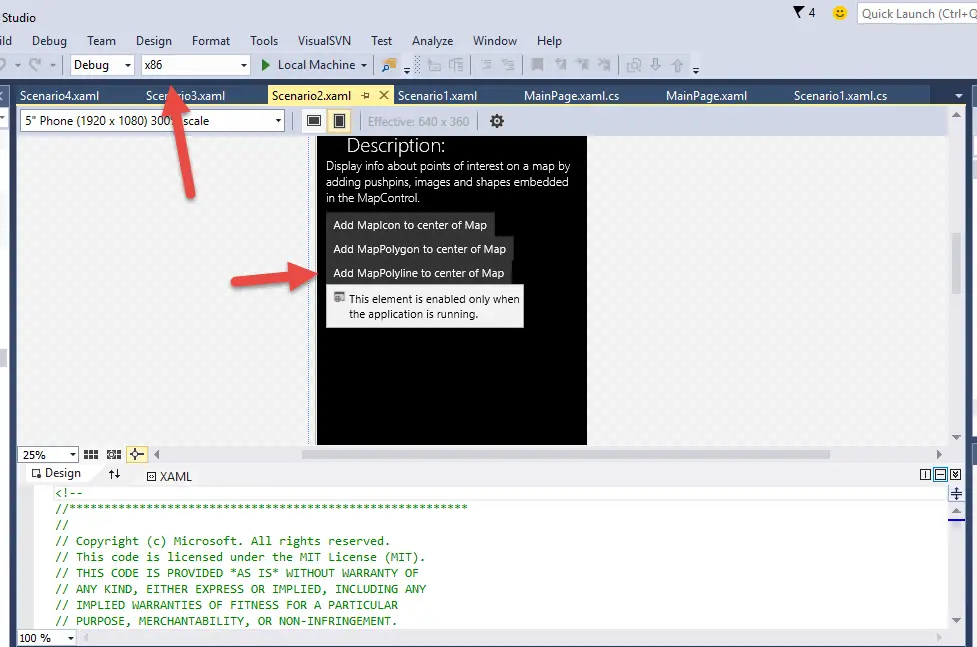
There are times when you get the below warning message in the Visual Studio Xaml Designer when using the MapsControl .
The name “MapControl” does not exist in the namespace “using:Windows.UI.Xaml.Controls.Maps”
I got this error when trying to open the Universal Windows Apps MapsControl sample project in Visual Studio 2015 . When I build the project and run it on Windows Mobile 10 emulator , it would work fine . But the designer the the error “Invalid Markup”.
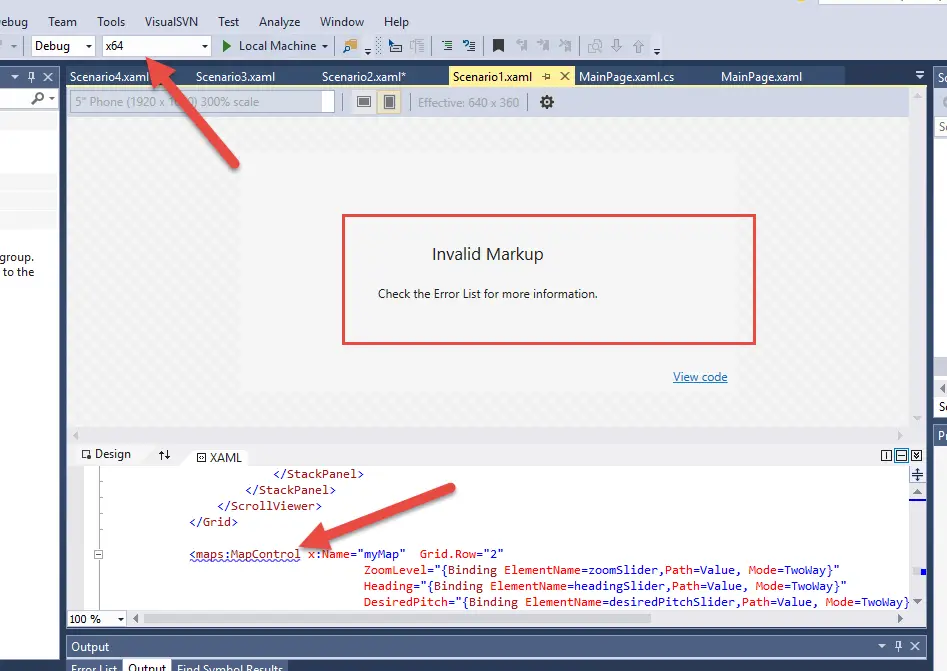
The fix to the problem was pretty simple. Just try to change the build configuration from x64 to x86 and it fixed the issue on the designer .