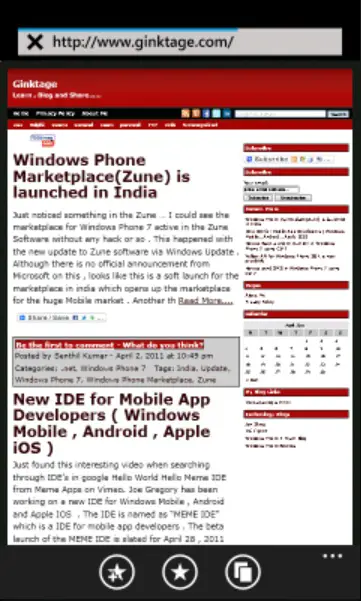
The WebBrowserTask allows an Windows Phone 7 App to launch the web browser. This class is defined in Microsoft.Phone.Tasks namespace .
Using Microsoft.Phone.Tasks;
The WebBrowserTask includes a property “URL” that gets or sets the URL that should be navigated to when the web browser is launched.
private void button1_Click(object sender, RoutedEventArgs e)
{
      WebBrowserTask webbrowser = new WebBrowserTask();
      webbrowser.URL = "www.developerpublish.com";
      webbrowser.Show();
}
The webbrowser should be launched and the URL will be navigated to the specified URL when the Show method of the Web Browser is called .